

|
||||||||
 |
about us:
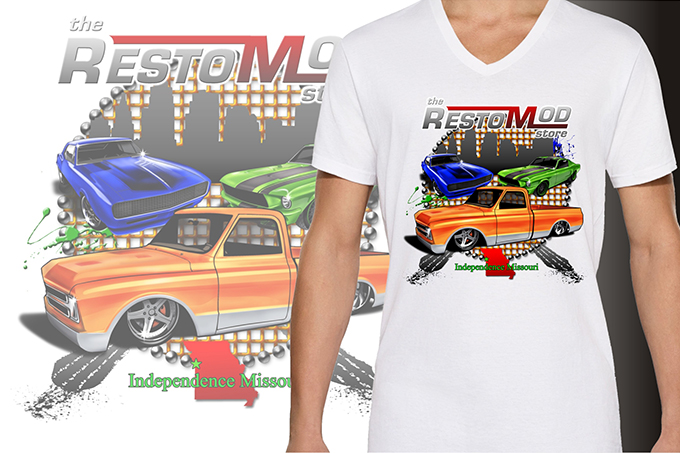
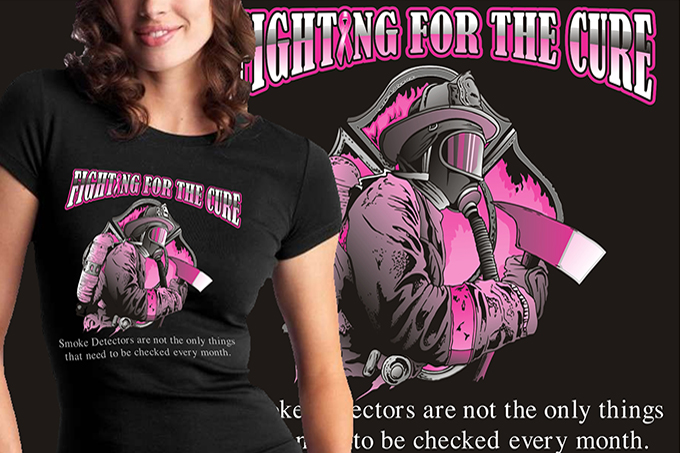
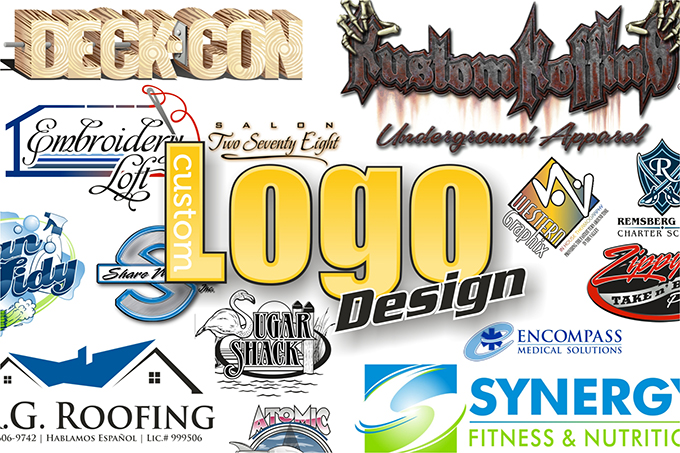
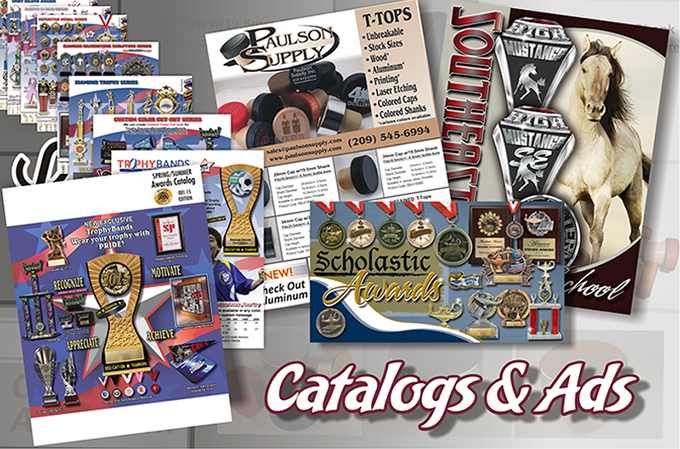
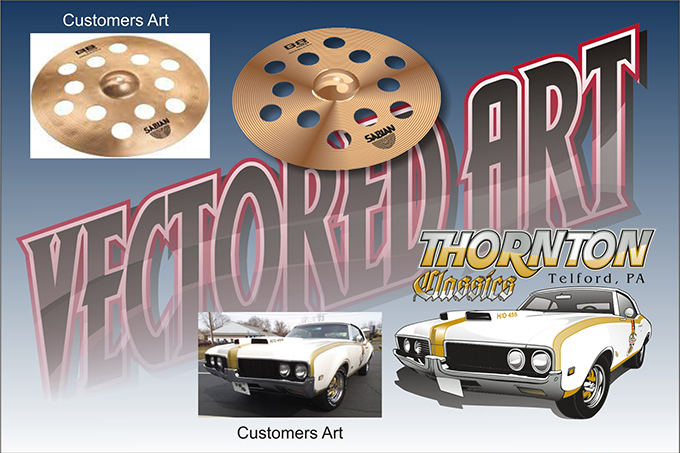
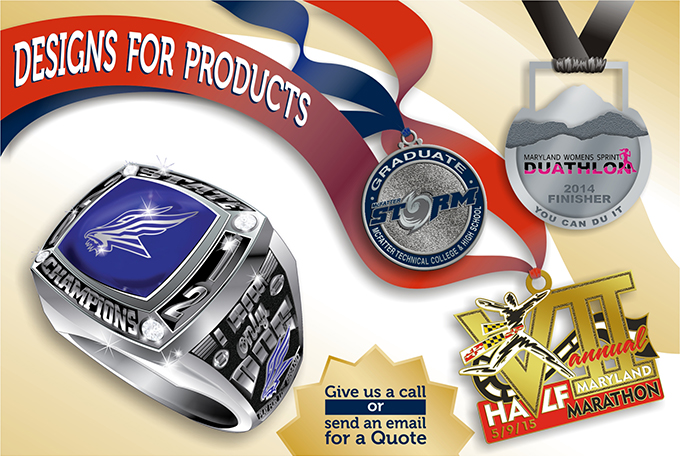
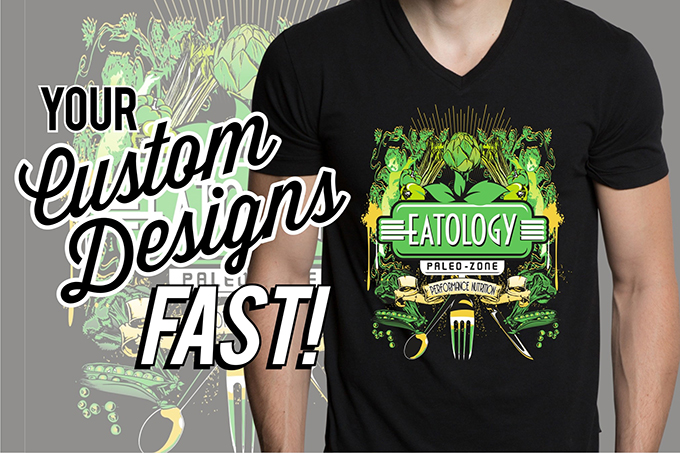
Welcome to Quick Draw Graphics where we work with screen printers, business and individuals of all kind as their personal art department. We have been in business since 1997, and are based just outside of St. Louis, MO. We provide artwork for everything from Custom T-Shirts, Rings, lapel Pins, Flags and banners, Business Cards, Ad Specialties, Logos, Catalogs, and much more. Why not use our experienced artist s you need us, instead of having one artist on staff you only u se part of the time. This can raise the quality of the work you are able to sell to you customers and increase your business, not to mention the time you may spend in front of the computer instead of concentrating on more important things. Not a screen printer? Not a problem. If you need artwork for anything we can help. No job is too small. Give us a call or email about your project and we can get started today!